MT5 VPS monitoring: what to watch, how to check it, and what to automate
2026-09-07

Monitoring an MT5 VPS means answering one question every few minutes without opening RDP: is the EA actually trading, or does it only look alive? Five signals answer it. Three you can read from the VPS itself, two need something outside the terminal to check. This is what to watch, the threshold for each, and where a script stops being enough.
Signal 1: is the process running from the right folder?
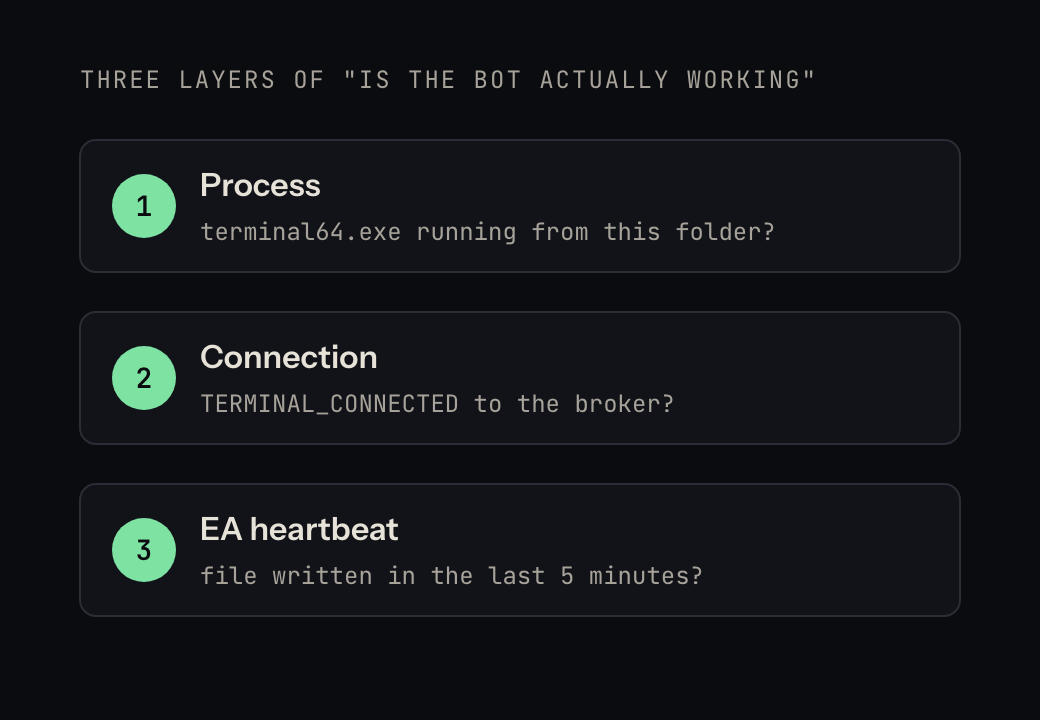
The first thing to check is not "is MT5 open" but "is terminal64.exe running from this account's folder". With one terminal per account in portable mode, a missing process means the terminal died (Windows Update reboot, crash, someone closed it). PowerShell on the VPS:
Get-Process terminal64 -ErrorAction SilentlyContinue | Select-Object Id, Path
Threshold: any expected folder with no process is a red alert. Action: relaunch it (Start-Process "C:\MT5\acct-01\terminal64.exe" -ArgumentList "/portable").
Signal 2: is the terminal connected to the broker?
A terminal can stay open for days with "No connection" in the corner. The EA keeps running its loop; every OrderSend fails. From inside the EA, TerminalInfoInteger(TERMINAL_CONNECTED) tells you; from outside, the Journal log (MQL5\Logs\YYYYMMDD.log) repeats connection to ... failed. Threshold: disconnected for more than 2 minutes during market hours. Action: restart the terminal; if it says "Invalid account", the password changed and no restart will fix it.
Signal 3: is the EA actually running? (the heartbeat)
This is the signal that catches everything else: AutoTrading switched off after a restart, the EA detached from the chart, a margin error loop, a frozen terminal. The EA writes a small file every minute:
// in OnTimer() with EventSetTimer(60), or in OnTick()
int h = FileOpen("health.txt", FILE_WRITE|FILE_TXT|FILE_COMMON);
if (h != INVALID_HANDLE) { FileWrite(h, TimeCurrent()); FileClose(h); }
Something outside the terminal reads the file's modification time. Threshold: older than 3–5 minutes during market hours means the EA has stopped, whatever the process list says. This one check is worth more than the other four combined, because it measures the outcome rather than the machinery.
Signal 4: RAM and CPU on the box
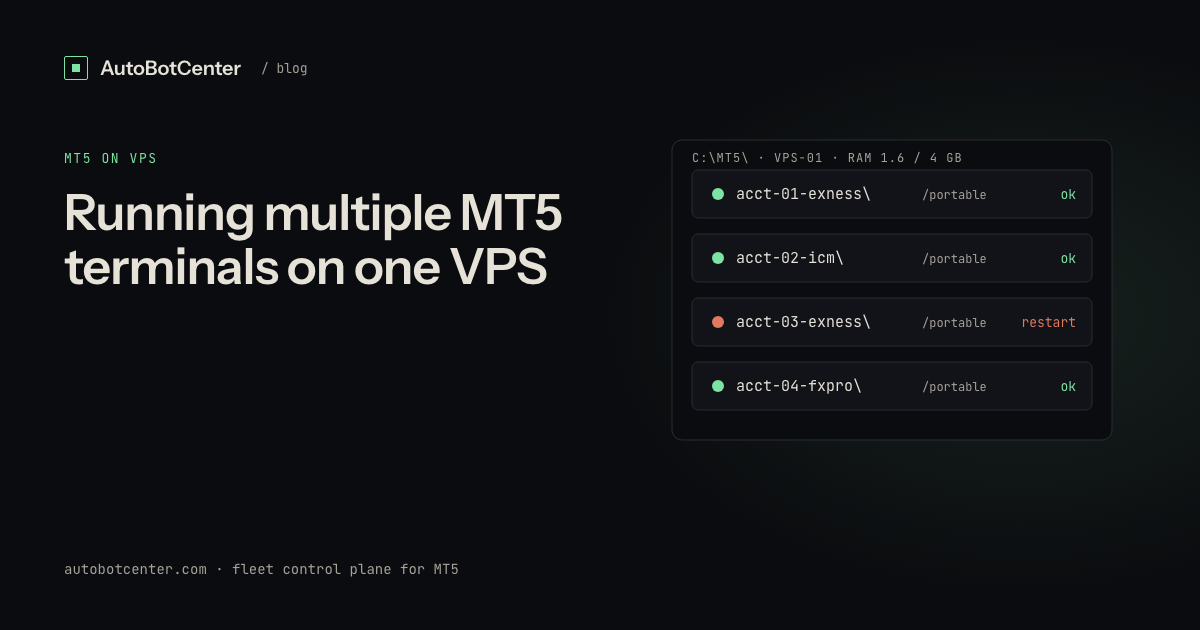
Terminals freeze one by one when RAM passes about 85%; ticks arrive late and EAs report timeouts on a healthy network. Budget 300–350 MB per terminal plus 600–800 MB for Windows (details in running multiple MT5 terminals on one VPS). Threshold: RAM above 85% or CPU above 90% for 5 minutes. Action: close charts, lower "Max bars in chart", or move a terminal to another VPS.
Signal 5: is the VPS itself reachable?
The whole box can vanish: provider maintenance, a reboot that hangs, a network outage. Only something outside the VPS can see this. A heartbeat from the VPS to a server (or even a cheap uptime pinger) with a threshold of one missed 5-minute window is enough. Choosing a VPS that does not reboot itself is half the battle; see choosing a VPS for MT5 EAs.
The do-it-yourself version
A PowerShell script on a 5-minute Task Scheduler trigger can cover signals 1, 3 and 4 on one VPS: enumerate processes, compare heartbeat file times, read memory counters, send a Telegram message via the Bot API on any threshold breach, and relaunch a missing terminal. About 60 lines. What it cannot do: see the box go dark (signal 5), tell you across ten VPS on one screen, deploy a fixed EA to every machine, or tell you that the script itself died. Those are the reasons people move to a control plane once they run more than two or three boxes.
What "automated" looks like
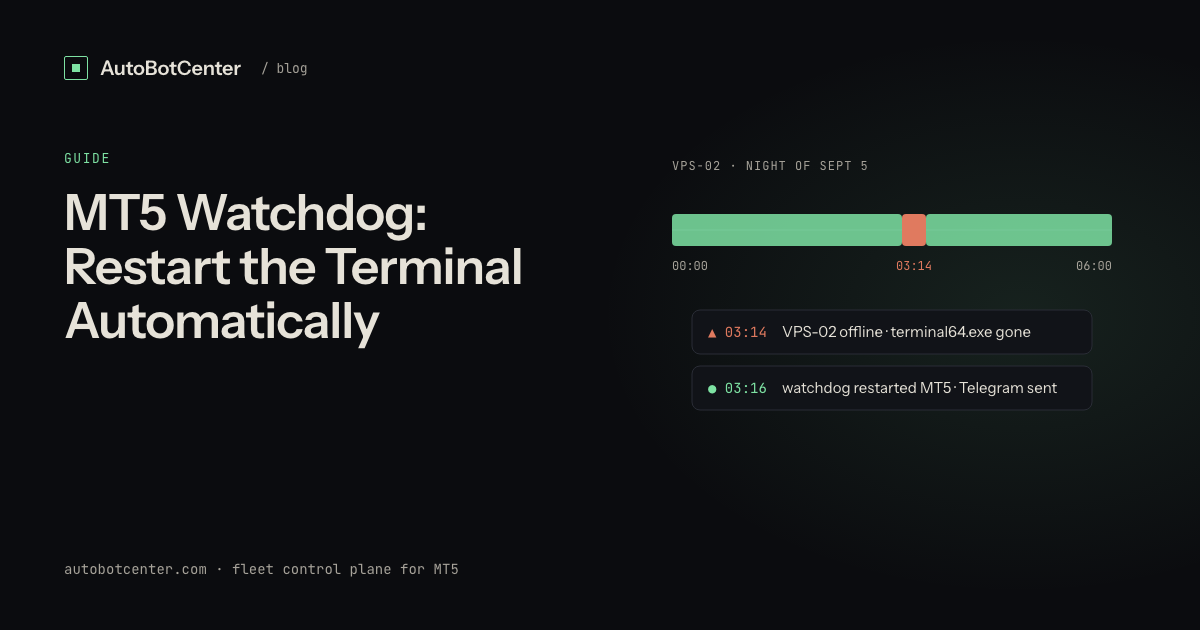
AutoBotCenter installs one agent per VPS. Each loop it enumerates every running terminal (including ones you opened by hand), reads the EA heartbeat, reports RAM/CPU/disk, and revives a missing terminal; the server side notices when a whole VPS stops reporting and sends the Telegram alert. All of it lands on one dashboard for every VPS you own, with remote EA deployment and no order API (it cannot place, modify or close a trade). The free tier covers one VPS, which is enough to see all five signals working on your own setup before deciding whether the rest of the fleet belongs there.
Do this now
- One portable folder per terminal; launch from Task Scheduler with "run whether user is logged on or not".
- Add the six-line heartbeat to your EA (or an indicator on the same chart) and check the file is being written.
- Set thresholds: process missing = restart; heartbeat older than 5 min = alert; RAM > 85% = alert; VPS silent for one 5-minute window = alert.
- Route alerts to Telegram, not email — you read Telegram at 3 AM.
- Write down which box runs which EA version. Drift is a silent failure too.
Tired of RDP-ing into every box?
AutoBotCenter puts every VPS, MT5 terminal and EA on one dashboard: a watchdog that revives dead terminals, remote EA deployment, Telegram alerts. The free tier covers one VPS, no card needed.
Start free