How to manage multiple MT5 accounts: one screen for every terminal, EA and VPS
2026-09-07
Managing multiple MT5 accounts is an inventory problem before it is a trading one. MetaTrader 5 holds exactly one login per terminal, so ten accounts means ten terminals, and switching accounts inside one terminal logs the previous one out and stops whatever EA was attached. The working setup is therefore one portable terminal per account, spread across as many VPS as your RAM budget needs, plus one place outside those terminals that can tell you all ten are still alive right now.
Why can't one MT5 terminal hold several accounts?
MT5 is single-session by design. File → Login to Trade Account replaces the current connection: the old account's charts reload, the EA on each chart is deinitialised and re-initialised against the new account, and any state the EA kept in memory is gone. There is no tab bar, no profile that holds two logins, no supported way around it. Two accounts at the same broker are no easier than two accounts at different brokers.
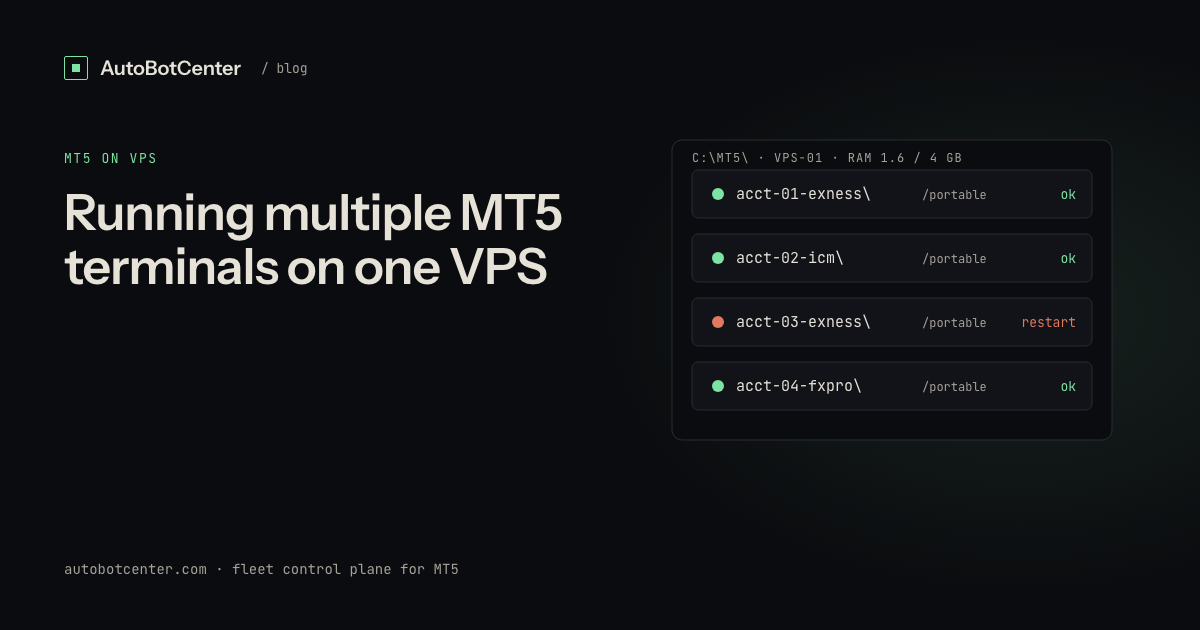
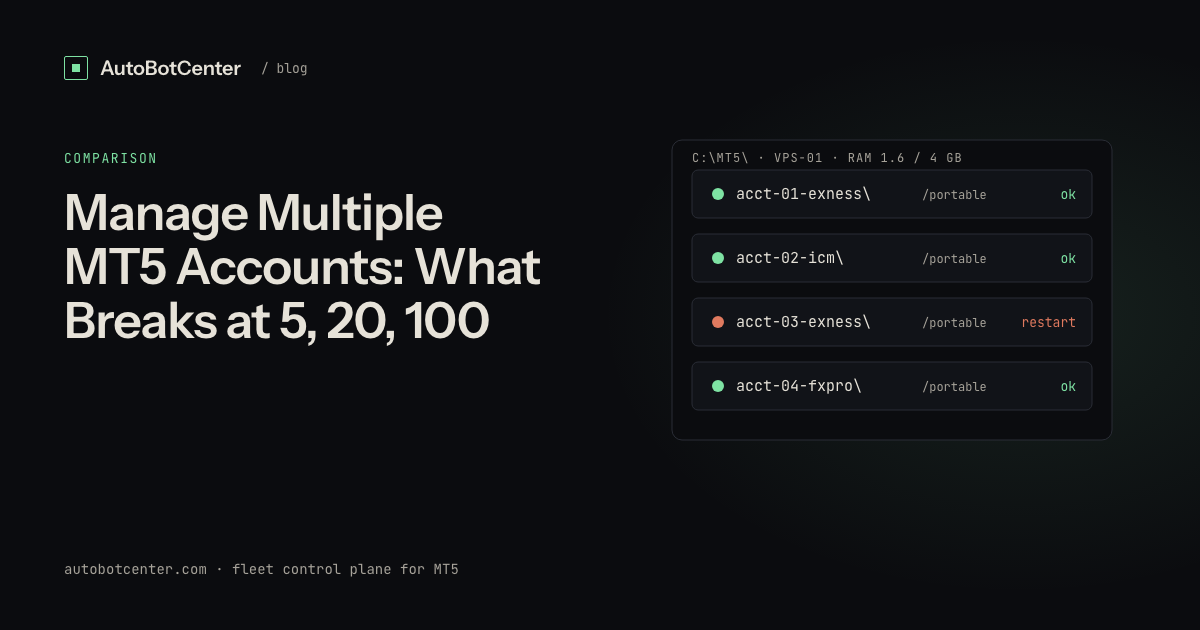
So the unit of management is the terminal, not the account. Each account gets its own copy of MT5 in its own folder, launched with the /portable flag so its data folder sits beside the executable instead of under %APPDATA%. That is what makes the setup countable: one folder, one process, one login, one EA, one heartbeat file. The mechanics of running several at once are covered in running multiple MT5 terminals on one VPS.
What actually breaks at 5, 20 and 100 accounts?
Nothing breaks all at once. Each step up removes a manual habit that used to work.
| Accounts | Typical setup | What breaks first | What you must automate |
|---|---|---|---|
| 1–4 | One VPS, RDP once a day | Nothing yet, but you find failures hours late | Restart of a dead terminal |
| 5–12 | 1–2 VPS, RDP is now a chore | RAM ceiling; you stop checking every terminal | EA heartbeat plus one alert channel |
| 13–40 | 3–6 VPS, several brokers | Version drift: nobody knows which box runs which EA build | Remote EA deployment and a version inventory |
| 40+ | Many VPS, possibly two regions | Silent failures: a whole box is offline and nothing says so | Outside-in reachability checks and fleet-wide reporting |
The failure that costs the most is never the dramatic one. It is the terminal that shows a green connection, an attached EA and a chart that updates, while AutoTrading has been off since last night's reboot.
Which columns do you actually need on one screen?
A useful fleet view is short. Anything else is decoration:
- Account, broker, server — the same login number can exist on a demo and a live server; store both.
- Process state — is
terminal64.exerunning from that account's folder, not just running somewhere. - Broker connection — a terminal can sit open for days showing "No connection".
- EA name, version and heartbeat age — the version is what stops drift; the heartbeat age is what catches everything else.
- Balance, equity, margin level — read-only, for spotting an account that is disconnected while positions are open.
- VPS RAM, CPU, disk — per box, not per account.
- Last deployment — what you pushed, when, and whether it landed.
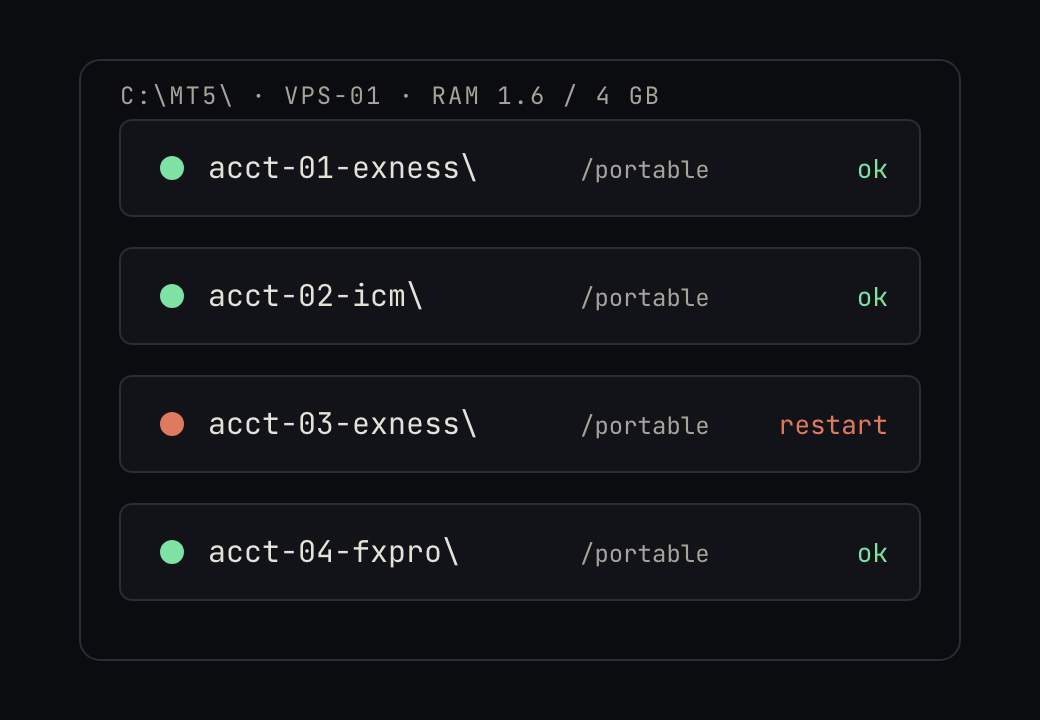
One VPS or several?
Budget roughly 300–350 MB of RAM per terminal plus 800 MB to 1 GB for Windows itself, and plan to stay under 85% RAM. At that ceiling a 2 GB box holds about 2–3 terminals, a 4 GB box 7–8 and an 8 GB box around 18. Treat those as ceilings rather than targets and buy for roughly two thirds of them, because extra charts, indicators and tick-heavy EAs take the difference. Sizing details and provider criteria are in choosing a VPS for MT5 EAs.
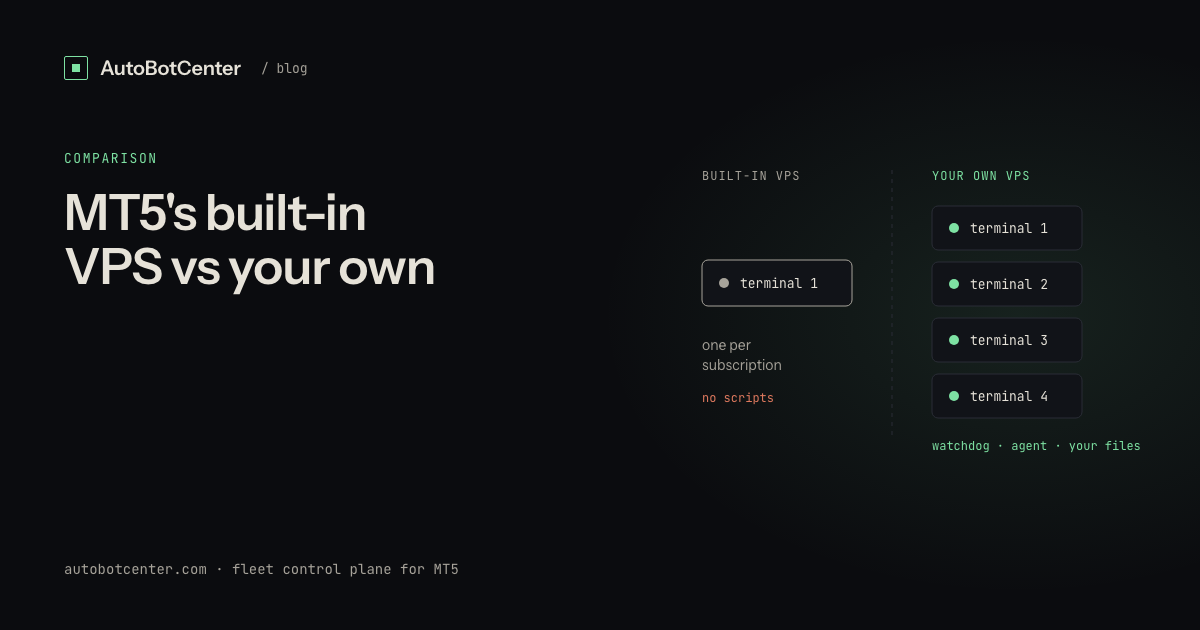
Two things argue for splitting a large fleet across more than one box even when RAM allows it. The first is blast radius: one reboot should not take twenty accounts down. The second is broker region, since a scalping EA at a London-hosted broker and one at a New York-hosted broker do not want the same VPS. If you are still weighing the broker's own offering, the MT5 built-in VPS compared with your own VPS covers what the hosted option does and does not include.
What should you automate first?
In payoff order, not difficulty order:
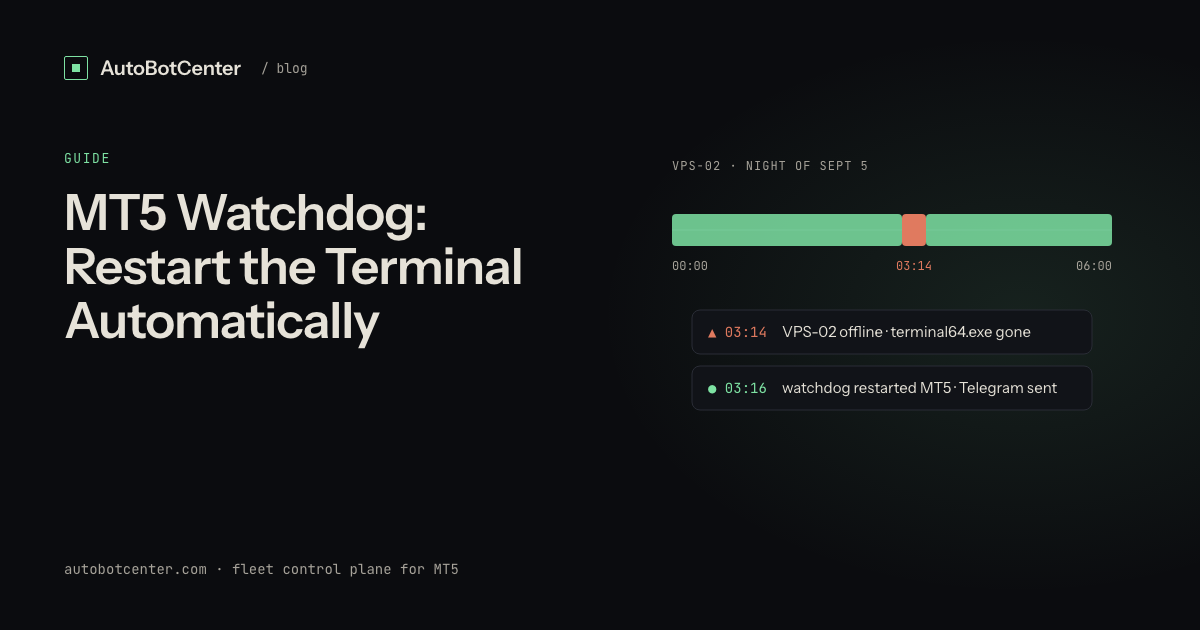
- Restart a dead terminal. One check, one action, and it removes most overnight outages.
- Write an EA heartbeat. A timestamp file every 60 seconds tells you the EA is executing, not merely attached.
- Alert when a whole VPS goes quiet. This one has to come from outside the box, because a dead box cannot report itself.
- Deploy an EA to many terminals at once. The moment a fix takes twenty RDP sessions, it stops being applied.
- Keep a version inventory. Which account runs which
.ex5and which.set. Drift is a silent failure.
The thresholds behind each of these are in MT5 VPS monitoring: what to watch and what to automate.
Who holds the passwords when a tool manages your accounts?
Any tool that logs terminals in for you needs the master password, which is the same credential that can place orders. Before handing it over, ask where it is stored, who can read it, and whether the vendor could decrypt it if asked. The safe shape is that the password is encrypted in your browser against a key that only your own machine holds, so the service stores ciphertext it cannot open. This is the whole subject of MT5 password security when using third-party tools, and it is worth ten minutes before your twentieth account.
Where AutoBotCenter fits
AutoBotCenter is a control plane for MT5 terminals running on VPS you own. One agent per VPS enrols with a token, then reports every terminal, its broker connection, EA heartbeat and machine resources to a single dashboard, restarts terminals that died, and pushes an .ex5 plus its .set preset to one terminal or twenty at once. Broker passwords are encrypted in the browser with that VPS's own public key, so the server keeps ciphertext and no key, and there is no order API at all: the platform can start, stop and restart terminals and install EAs, but it cannot place, modify or close a trade. The free tier covers one VPS with no card, which is enough to put your busiest box on one screen before deciding about the rest; the plan comparison covers the larger tiers.
Do this now
- Write down every account: login, broker, server, VPS, folder path, EA name and version. Most fleets have at least one entry nobody remembered.
- Give each account its own portable MT5 folder if it does not have one yet, and launch each with
/portable. - Add a 60-second heartbeat file to every EA and confirm the file's timestamp is moving.
- Add up RAM: terminals times 350 MB plus 900 MB for Windows. If you are over 85% of the box, move an account, do not hope.
- Set one alert channel you actually read at 3 AM, and test it by killing a terminal on purpose.
- Decide today who holds each master password and where it is stored. See the setup guide for the enrolment flow if you use an agent.
Tired of RDP-ing into every box?
AutoBotCenter puts every VPS, MT5 terminal and EA on one dashboard: a watchdog that revives dead terminals, remote EA deployment, Telegram alerts. The free tier covers one VPS, no card needed.
Start free