MT5 watchdog: how to restart a dead terminal automatically on a VPS
2026-09-07
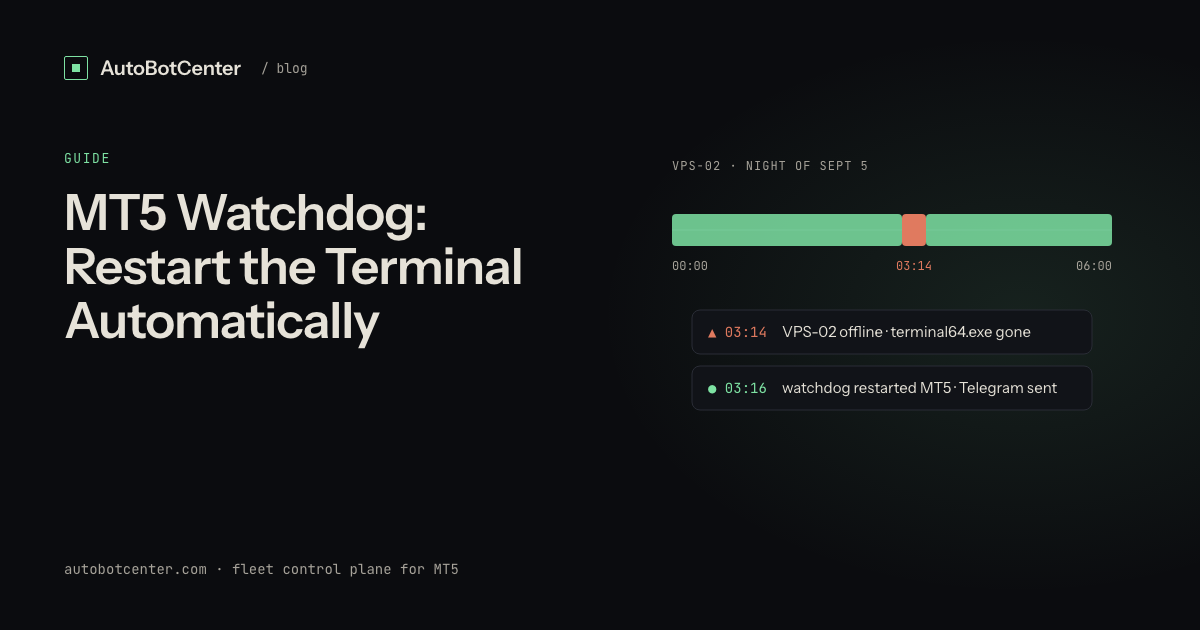
A watchdog for MetaTrader 5 is a small job that runs every few minutes, decides whether each terminal is really working, and relaunches the ones that are not. "Really working" needs three tests, not one: the process must be running from that account's folder, the terminal must be connected to the broker, and the EA must have written a heartbeat in the last few minutes. A process check alone misses the most common overnight failure, which is a terminal that is open and connected while the EA has stopped executing.
How does a watchdog decide a terminal is dead?
| Test | How it is measured | Safe action | What it misses |
|---|---|---|---|
| Process alive | terminal64.exe whose executable path equals that account's folder | Relaunch with /portable | An open terminal with a dead EA |
| Broker connected | Journal log repeating connection to ... failed, or TERMINAL_CONNECTED from inside the EA | Restart once, then alert | Wrong password: restarting forever will not fix it |
| EA heartbeat | Age of a timestamp file the EA rewrites every 60 seconds | Restart the terminal, then alert if it stays stale | An EA that writes the file but errors on every order |
Only the first test justifies an automatic restart with no questions asked. The other two should restart at most once and then escalate, because a restart loop against a changed password just produces twelve identical alerts an hour. The wider set of checks, including RAM and whether the box itself is reachable, is laid out in MT5 VPS monitoring: what to watch and what to automate.
A 40-line PowerShell watchdog you can run tonight
This covers one VPS with any number of portable terminals. It restarts a missing process, writes every decision to a CSV you can read later, and flags a stale heartbeat. Adjust the two paths per account and save it as C:\ops\watchdog.ps1.
# watchdog.ps1 - one VPS, run every 5 minutes from Task Scheduler
$Terminals = @(
  @{ Name='acct-01'; Exe='C:\MT5\acct-01\terminal64.exe'; Beat='C:\MT5\acct-01\MQL5\Files\health.txt' },
  @{ Name='acct-02'; Exe='C:\MT5\acct-02\terminal64.exe'; Beat='C:\MT5\acct-02\MQL5\Files\health.txt' }
)
$StaleMinutes = 5
$LogFile      = 'C:\ops\watchdog.csv'

function Write-Event($name, $state, $detail) {
  $row = [pscustomobject]@{
    Time = (Get-Date).ToString('s'); Terminal = $name; State = $state; Detail = $detail
  }
  $row | Export-Csv -Path $LogFile -Append -NoTypeInformation -Encoding UTF8
}

$running = Get-Process terminal64 -ErrorAction SilentlyContinue

foreach ($t in $Terminals) {
  $proc = $running | Where-Object { $_.Path -eq $t.Exe }

  if (-not $proc) {
    Start-Process -FilePath $t.Exe -ArgumentList '/portable'
    Write-Event $t.Name 'RESTARTED' 'process was not running'
    continue
  }

  if (-not (Test-Path $t.Beat)) {
    Write-Event $t.Name 'NO_HEARTBEAT' "file missing: $($t.Beat)"
    continue
  }

  $ageMin = [int]((Get-Date) - (Get-Item $t.Beat).LastWriteTime).TotalMinutes
  if ($ageMin -gt $StaleMinutes) {
    Write-Event $t.Name 'STALE' "heartbeat $ageMin min old"
  } else {
    Write-Event $t.Name 'OK' "heartbeat $ageMin min old"
  }
}

$os  = Get-CimInstance Win32_OperatingSystem
$pct = [int](100 - ($os.FreePhysicalMemory / $os.TotalVisibleMemorySize * 100))
if ($pct -gt 85) { Write-Event 'HOST' 'RAM_HIGH' "$pct percent used" }
The heartbeat file comes from the EA side. Six lines in OnTimer() with EventSetTimer(60) are enough: open health.txt for writing, write TimeCurrent(), close the handle. Without it the script can only tell you the window is open.
How do you make it run every five minutes?
Task Scheduler, running as the same Windows account that owns the terminals. One line in an elevated command prompt, where /RP * prompts for that account's password and /IT keeps the task inside that user's session:
schtasks /Create /TN "MT5 Watchdog" /SC MINUTE /MO 5 /RU %USERNAME% /RP * /IT /RL HIGHEST ^
  /TR "powershell -NoProfile -ExecutionPolicy Bypass -File C:\ops\watchdog.ps1"
The account matters more than the schedule. Run the task as SYSTEM and it keeps running after sign-out, but anything it launches starts in session 0, the non-interactive session, so the terminal it just restarted has no desktop you can reach over RDP. Running it as the terminals' own user with /IT puts the relaunched terminal back in the session you actually connect to; the trade is that the task then runs only while that user is signed in, which is exactly why you disconnect an RDP session with the X instead of signing out. In the task's properties, also untick Stop the task if it runs longer than, since a job this short never needs the timeout. And note that MT5 keeps one instance per data folder, so the watchdog cannot accidentally start a second copy of an account that was already running.
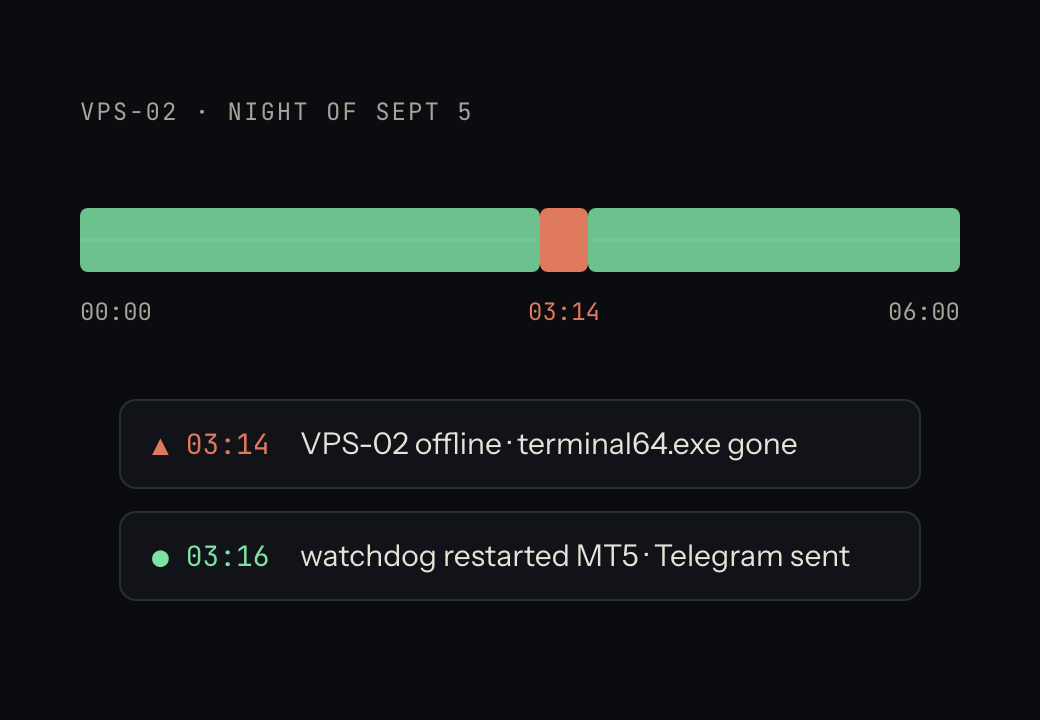
Where does this script go blind?
- The box itself. If the VPS reboots or the provider has an outage, the script is gone too. Nothing inside a machine can report that the machine is down.
- The script's own death. A syntax error after an edit, a disabled task, an expired password on the account it runs as, and it fails silently forever.
- AutoTrading off. A restart brings the terminal back with the AutoTrading button in whatever state the profile saved. If it comes back off, the process test passes and nothing trades. This is the failure described in why an MT5 EA stops trading on a VPS.
- Ten VPS at once. The script is per box. Ten boxes means ten copies, ten schedules and ten places to check, with no shared view.
- Fixing anything. It restarts. It cannot push a corrected EA, change a preset or roll back a bad version.
When is an automatic restart the wrong action?
Restarting a terminal does not touch open positions, which stay on the broker's side, but it does interrupt any EA logic that was mid-sequence, so restart at most once per cycle and never in a loop. Skip restarts when the market is closed, since a terminal that cannot connect on Saturday is not a fault. And treat "Invalid account" as terminal: the password or server changed, and only a human can supply the new one. Sizing also matters here, because a box already at 95% RAM will simply kill the terminal you just started; the budget per terminal is in running multiple MT5 terminals on one VPS.
The version that does not go blind
AutoBotCenter runs the same three tests plus resources and outside-in reachability, but from an agent installed as a supervised service on each VPS, so a closed console cannot kill it, and with a server that notices when a whole box stops reporting and sends the Telegram alert the box could never send itself. The same dashboard pushes an .ex5 and its .set preset to one terminal or twenty, pins the EA version per account, and keeps updates opt-in per VPS. It has no order API: it starts, stops and restarts terminals and installs EAs, and cannot place, modify or close a trade. The free tier covers one VPS with no card, so you can run it beside your own script and compare what each one catches; the enrolment steps are in the setup guide.
Do this now
- Add the heartbeat to every EA before anything else. A watchdog without it is a process checker.
- Save the script above with your real folder paths and run it once by hand with a terminal deliberately closed.
- Register the scheduled task under the account that owns the terminals, then disconnect RDP with the X and confirm the CSV keeps growing.
- Cap restarts at one per cycle per terminal and let the second failure escalate to a person.
- Add something outside the VPS that notices when the whole box goes quiet, because the script never will.
- Once you run more than two boxes, put the results on one screen instead of on each machine.
Tired of RDP-ing into every box?
AutoBotCenter puts every VPS, MT5 terminal and EA on one dashboard: a watchdog that revives dead terminals, remote EA deployment, Telegram alerts. The free tier covers one VPS, no card needed.
Start free